
Picture problems with your screen
This page illustrates the type of picture problems that you may encounter and the troubleshooting steps for them. If your issue involves a black screen, a white screen, or a screen that does not turn on, please refer to this page instead.
|
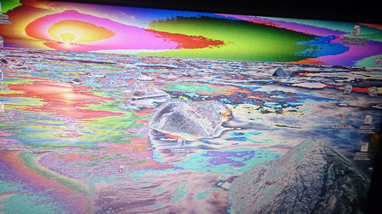 Strange Colors #1 |
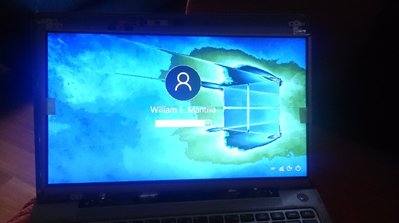 Strange Colors #2 |
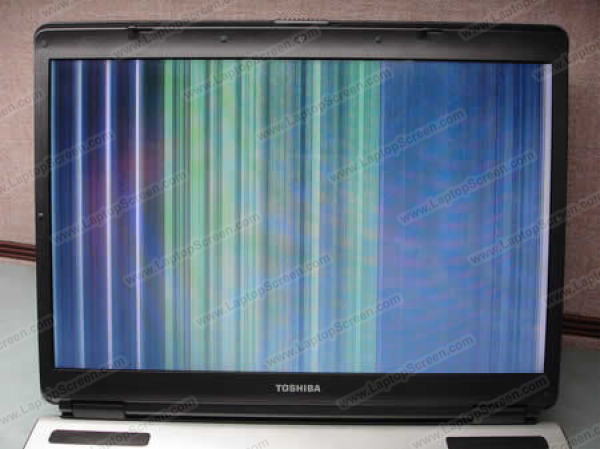
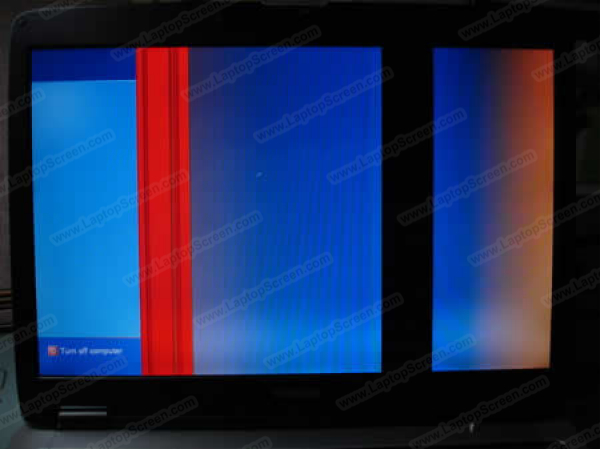 Thick vertical banding |
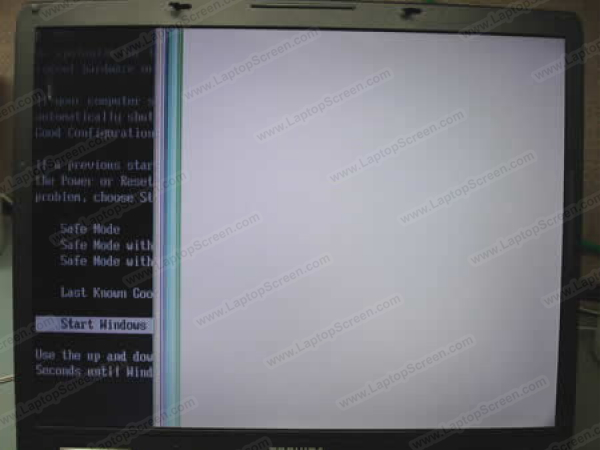 Picture missing from part of the screen + lines |
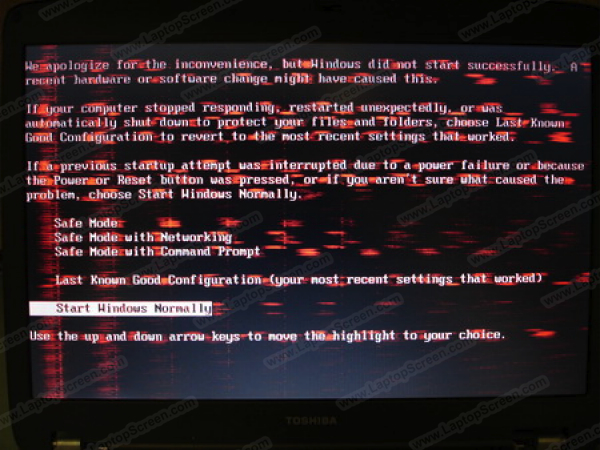 Glitchy on-screen anomalies |
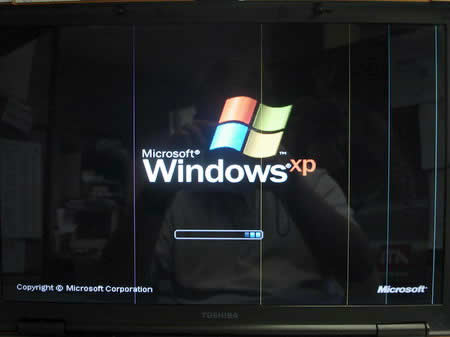 Several vertical lines |
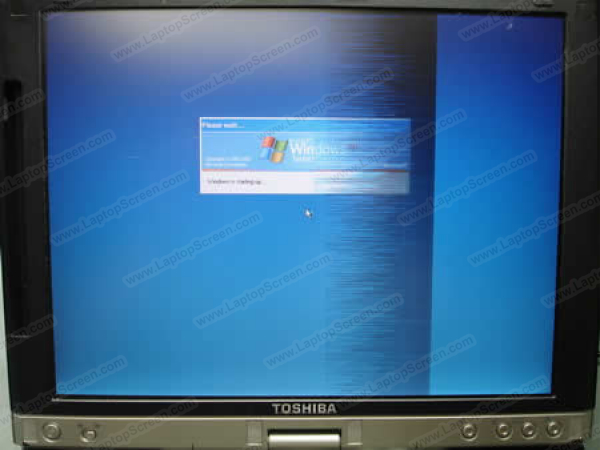 Hazy vertical band |
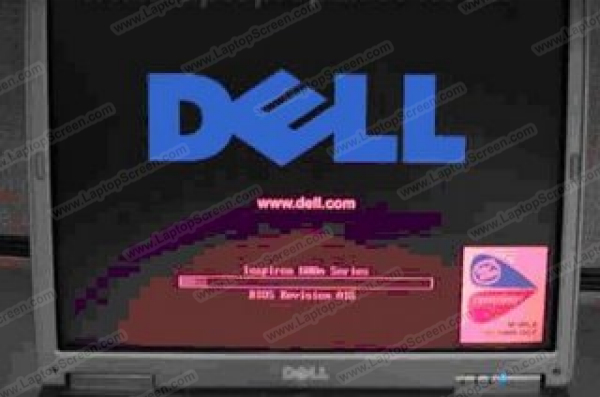 Heavy pixelation or discoloration |
Troubleshooting steps for these problems
If you encounter any issues that look similar to the photos above, please try the troubleshooting steps below:
- Check your connection: The first step is to make sure that the connection between your video cable and screen is tight and secure. With the laptop OFF (battery and power disconnected), disconnect the video cable and reconnect it and make sure that it is secure. Should the connection feel a little loose, you may apply some tape on the ribbon cable immediately below the connection to keep it in place. You should also check the opposite end of the ribbon cable that connects to the motherboard.
Once you have done this, Turn on the laptop again to see if this solves the issue. If it does not, try wiggling the cable while the screen is still on. If your video cable is bad, then a replacement cable may be required to fix this problem.
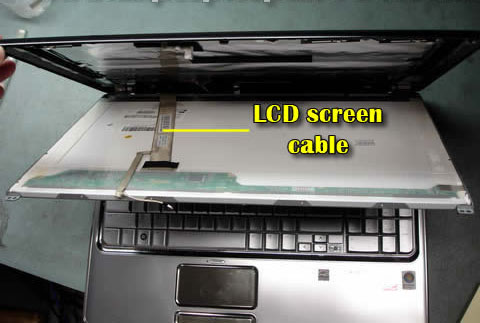
Check the video cable connection to the screen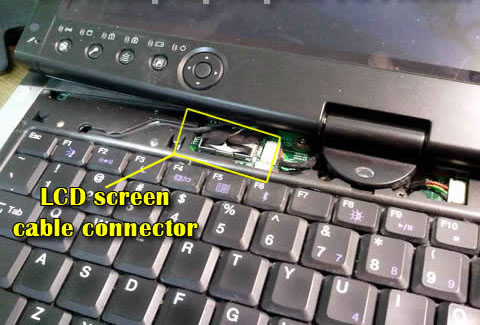
Check the video cable connection to the motherboard - Connect your laptop to an external display: In order to rule out any issues with the screen itself, you should try to connect your laptop to an external monitor or TV. If the problem is produceable on the external display, then this means that there is an issue with your laptop's video board.
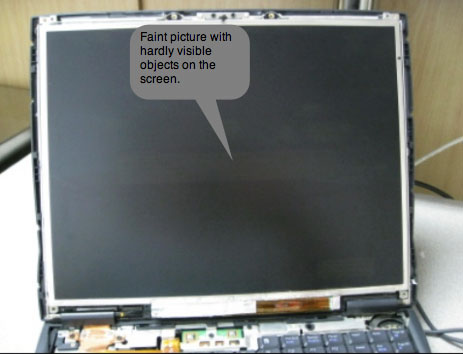
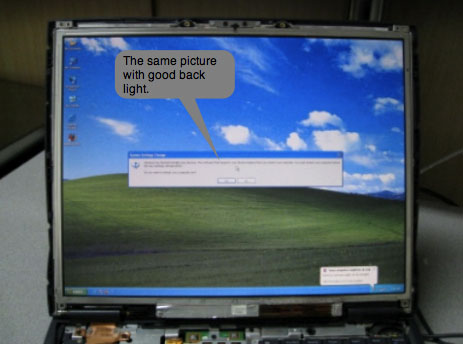
Dim or darkly lit screen
This issue is seperate from the ones above because it involves the backlight of the screen.
 |
 |
Troubleshooting steps for this problem
This can be caused by a bad or loose cable or a defective backlight on the screen.
- We recommend trying to disconnect and reconnect the cable just to be sure that there is a solid connection (same troubleshooting step as recommended above in the previous section).
- (CCFL screens only) A dim screen or a screen that doesn't turn on (no backlight) may be caused by a bad inverter or an inverter that has not been connected to the screen. CCFL screens uses an inverter board to power the backlight, so a defective inverter board could cause the backlight to dim due to the lack of voltage. (see what is a CCFL screen?). View this page for details on how to transfer over and install the inverter.
If you have tried the troubleshooting steps outlined above and the problem still occurs, then please go to this page for instructions on returning the screen to us. You can also use the page to return the screen to us if it turns out that you had purchased the incorrect resolution screen.
Related Articles
Need to contact us directly? Email Us!